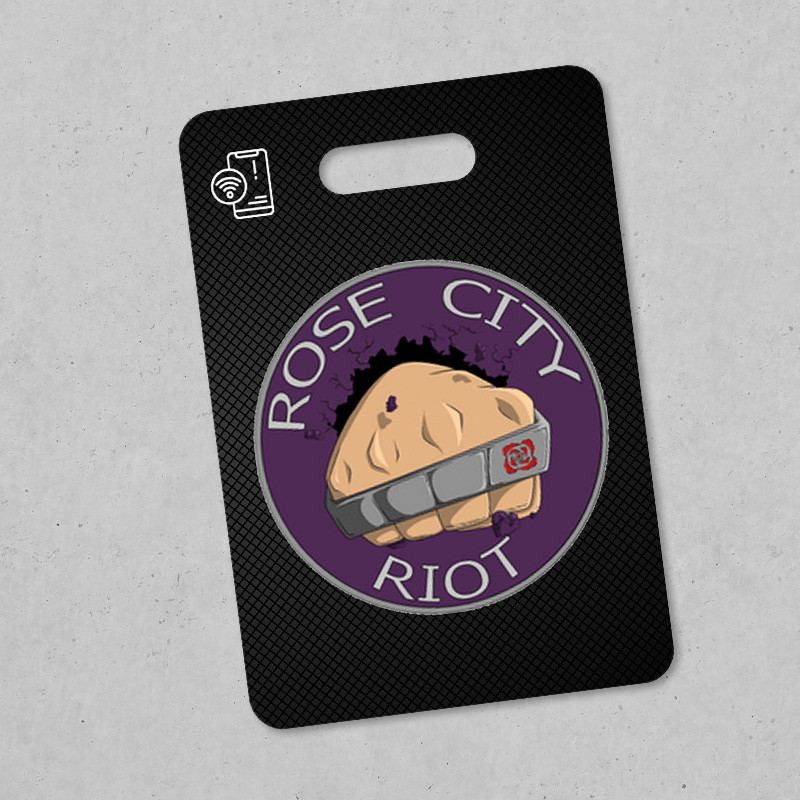
Rose City Riot Black Carbon
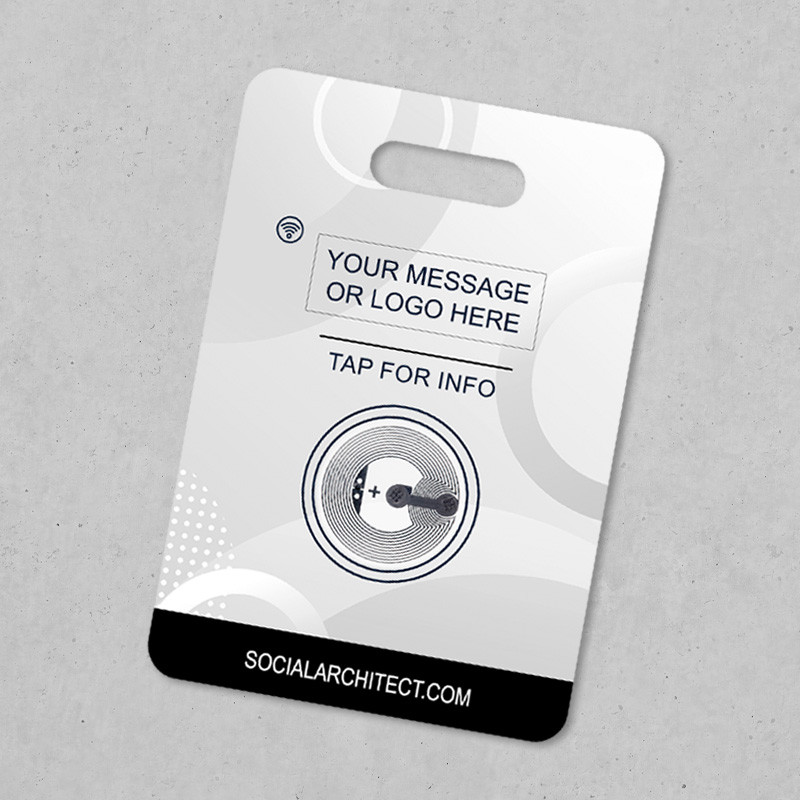
Put your name or logo on the back with the Logo / Custom Print option. Custom programming message replaces the standard welcome info on the tag.
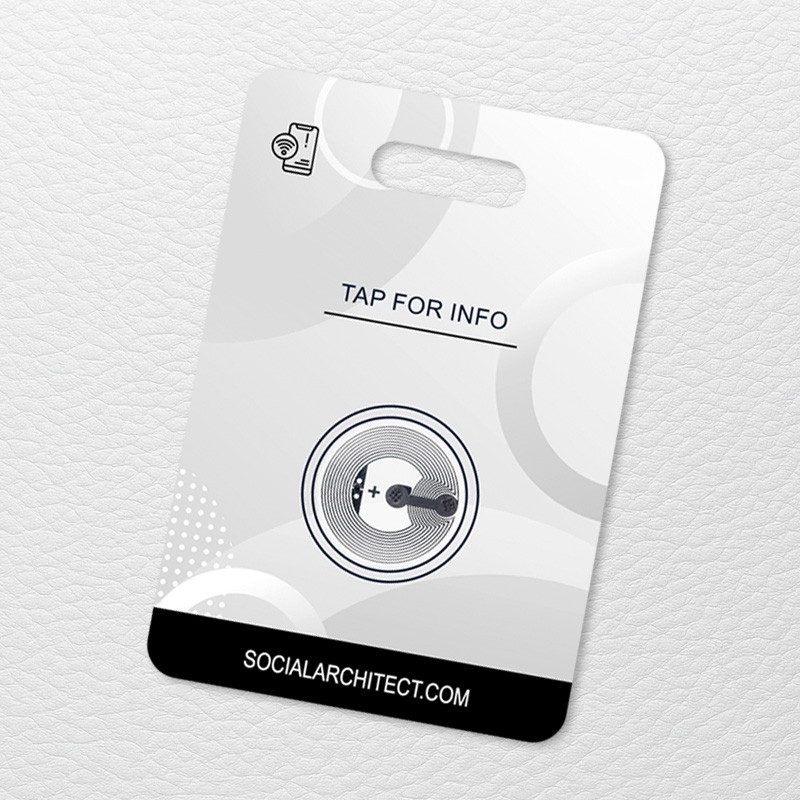
This Rose City Riot Luggage Tag is a durable double-sided FRP (fiberglass reinforced plastic) luggage tag. Tap the built-in NFC NTAG216 chip to clearly communicate important information. Printed on both sides.
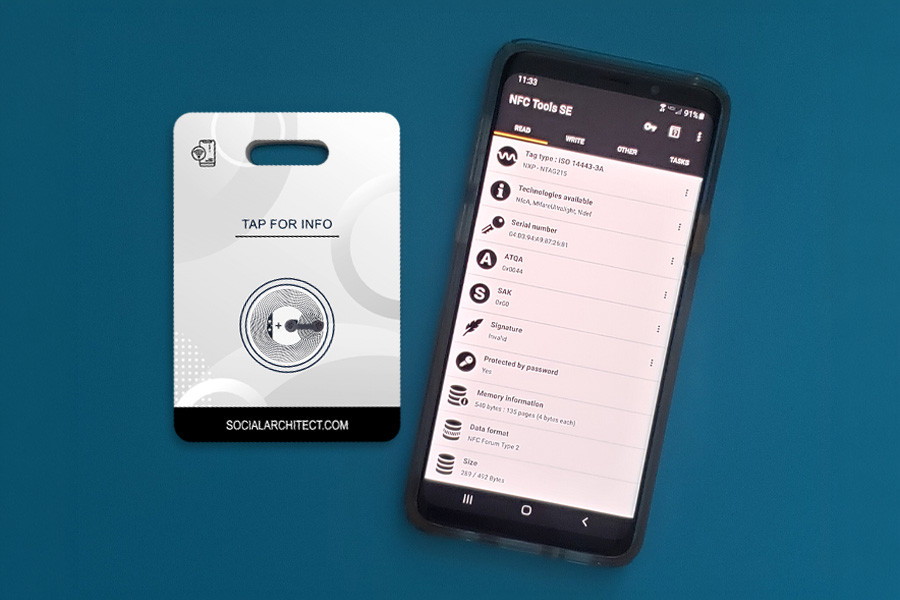
Packed with 888 bytes of usable memory, it is ready to program with your specific details using a free app. No subscription required.
Enter your message in the text area if you'd like it to be pre-programmed for you. You can change it at any time.
- Included: Hanging loop included.
- Material: Solid, durable Fiberglass Reinforced Plastic (FRP) luggage tag.
- NFC Type: High-capacity NTAG216 smart sticker.
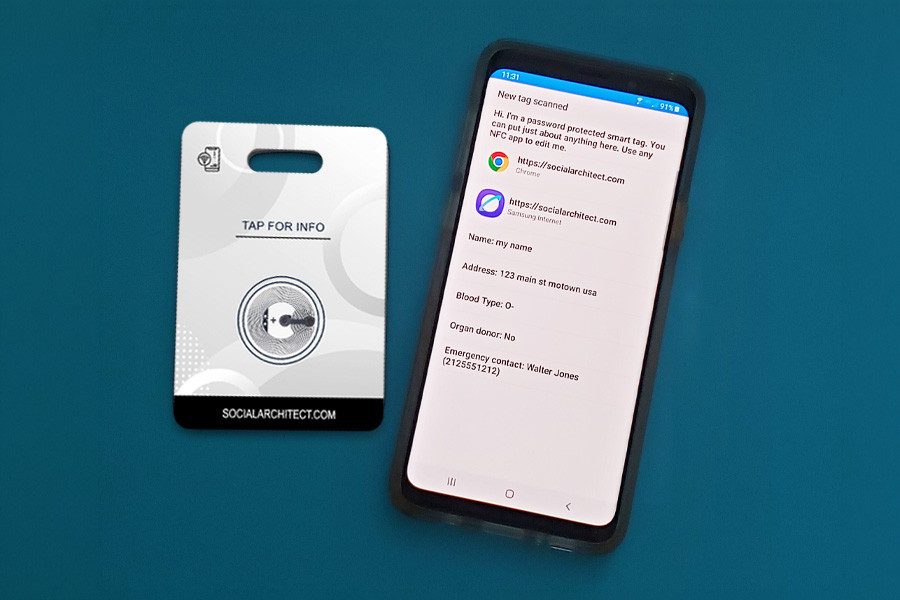
- Memory Capacity: 888 bytes of usable memory for text, contacts, or URLs (plenty of space for a full digital business card or emergency medical profile).
- Compatibility: Tap-to-read compatible with iOS and Android devices.
- Maintenance: Passive hardware requiring no batteries or subscriptions.
- Standard Setup: Programmed and verified before shipping. It arrives pre-loaded with "How to Program" info, ready for you to update or change at will using your smartphone.
- Custom Pre-Programming: Enter your text in the box above before ordering, and we will pre-load your instructions onto the tag before shipping. You can still completely rewrite or update this message anytime after it arrives.
- Add your own custom printed message on the back: Text, a logo, or a combination (1.5 inches wide x .5 inches high). Price is a flat rate per order, not per unit.
- 🎁 Bonus NFC Sticker: Every order includes a second, unprogrammed blank NFC smart sticker at no extra cost to use as a backup, a practice run, or for a separate project.
⚠️ Production Guidelines
By submitting your custom text or logo file, you agree to the following production terms:
- Text Accuracy: Your text will be programmed and printed exactly as entered. Social Architect is not responsible for typos, misspellings, or formatting errors submitted by the customer. Please double-check your text before completing your order.
- Character Capacity: Standard custom messages are optimized for up to 850 characters of text data on our high-capacity NTAG216 chips.
- Artwork Guidelines: Custom logos must be uploaded in high-resolution formats (PNG or JPG preferred). Lower-resolution or blurry graphics may result in suboptimal print quality and are not eligible for replacement.
- Content Policy: We reserve the right to decline and refund any orders containing highly offensive, explicit, or copyrighted material that you do not own the explicit rights to use.
- Data Privacy: Please do NOT include highly confidential or sensitive information (such as private passwords, Social Security Numbers, or un-encrypted financial keys) on your tags.
To ensure your tag cannot be tampered with or overwritten by strangers while you travel, every tag is equipped with built-in security protection. This protection keeps your data secure from the public while giving you total freedom to update your information whenever you want:
- Scratch-Off Protection: Your unique factory password arrives safely hidden beneath a secure scratch-off sticker included with your order. You will use this password in your app whenever you want to rewrite or change your tag's data.
- Custom Passwords: You can easily change the factory password to your own personalized password during the programming process, keeping full editing control in your hands.
- Important Notice: Social Architect cannot recover lost passwords or unlock tags permanently locked by the user. If you change your password, please record it in a safe place so you can continue to update your tag at will.
Programming Steps
- Download any free NFC writing app (such as NFC Tools) on your smartphone.
- Gently scratch off the security foil to reveal your private factory password.
- Enter your custom text or URL into the app, input your scratch-off password when prompted, and tap your smartphone to the tag to save your configuration.
- Optional: Use the app's setting to change the factory password to a personalized password of your choice.
- Keep it protected: Your tag remains password-protected so only you can overwrite it. Avoid using the app’s "Permanent Lock" feature unless you never want to change the text on this tag again.